







CS2 Skin Trading Comparison

Best CS2 Trading Sites in 2026

Got skins you no longer use? You can trade them for something new, sell them for real money, or browse the market for a better deal. But not all CS2 trading sites work the same way. Some offer instant swaps through trading bots, while others let users buy and sell skins at their own prices. This guide covers eight platforms, their trading options, fees, payment methods, and bonuses to help you find a service that fits your needs.

πŸ•’ Last updated: November 2026
8 trading sites compared Promo codes & referrals Steam trade offers
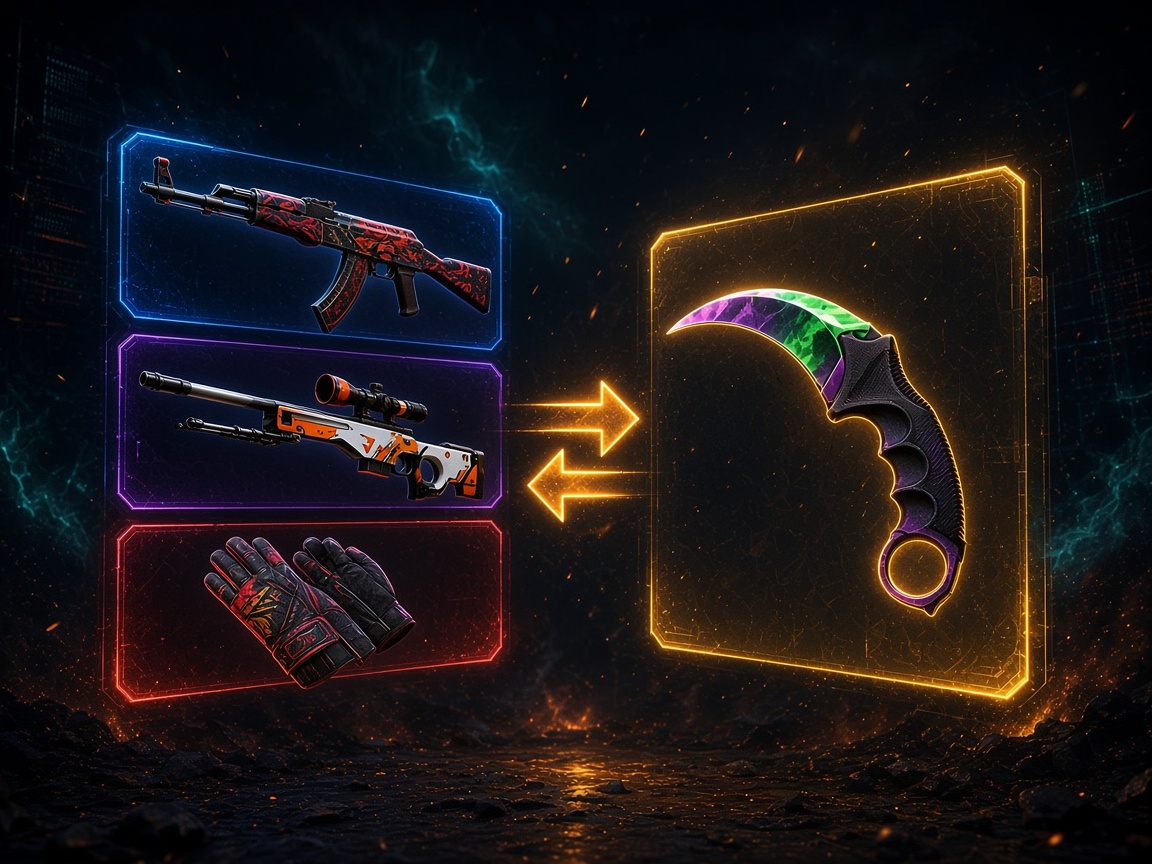
CS2 skin trade: AK-47, AWP and gloves swapping for a Karambit knife
Main Comparison

Top 8 CS2 Trading Sites Compared

CS2 trading sites serve different needs. SkinsMonkey and CS.Trade focus on swapping items, while SkinCashier buys eligible skins directly. Marketplaces such as DMarket give sellers more control over pricing. The offers below include trading credit, balance top-ups, and discounts, but they don't all apply to the same transactions. Check whether a reward applies to swaps, purchases, or cash sales. Payment methods and item availability can also affect the final value of a deal.

βœ” Last Verified (Promo Codes): November 2026

Top 8 CS2 trading sites with promo codes and bonuses
CS2 Skin Trading Site Promo Code Bonus Description Claim Here
SkinsMonkey
HELLA $5 free trading credit + 35% bonus on real-money deposits GET BONUS
Tradeit.GG
hellagood $5 free balance + 35% top-up bonus or 35% store discount GET BONUS
CS.Money
Referral link 30% top-up bonus or 23% store discount GET BONUS
SkinCashier
HELLA 3% bonus for cashing out skins GET BONUS
DMarket
Referral link Giveaways + free promo codes + reduced commission GET BONUS
CS.Trade
TOP100LIST 1% of deposited item value on your first trade, up to $30 GET BONUS
SkinBaron
Referral link CS2 skins up to 30% cheaper than Steam Market GET BONUS
Swap.GG
Referral link 15% bonus on all balance top-ups GET BONUS

Offers are subject to operator terms, account eligibility, and availability. Check activation requirements before trading or depositing.

Detailed Reviews

Best Skin Trading Platforms Reviewed

The best CS2 skin trading sites in 2026 serve different needs, from quick skin swaps to marketplace sales and cash payouts.

SkinsMonkey - Instant Skin Swaps

SkinsMonkey is built for swapping skins through automated Steam trade offers. After signing in through Steam, you select items from your inventory and choose replacements from the site's stock. The trade screen shows what each side is worth before you continue. If the new skins cost more, you can add balance.

You don't need to wait for another buyer. A trading bot prepares the offer, which you then review and confirm in Steam. SkinsMonkey suits skin swaps, not cash sales.

Useful features:

  • Automated skin-for-skin exchanges using Steam trade offers.
  • Search filters for finding items by type, condition, and price.
  • A visible value difference before you accept a swap.
  • Balance top-ups when your selected skins cost more.

Trading costs are reflected in the quoted item values, so compare both sides of an exchange rather than looking for a separate fee. Promo code HELLA gives $5 in trading credit and a 35% bonus on real-money deposits.

$5 free trading credit + 35% bonus on real-money deposits HELLA
Visit SkinsMonkey
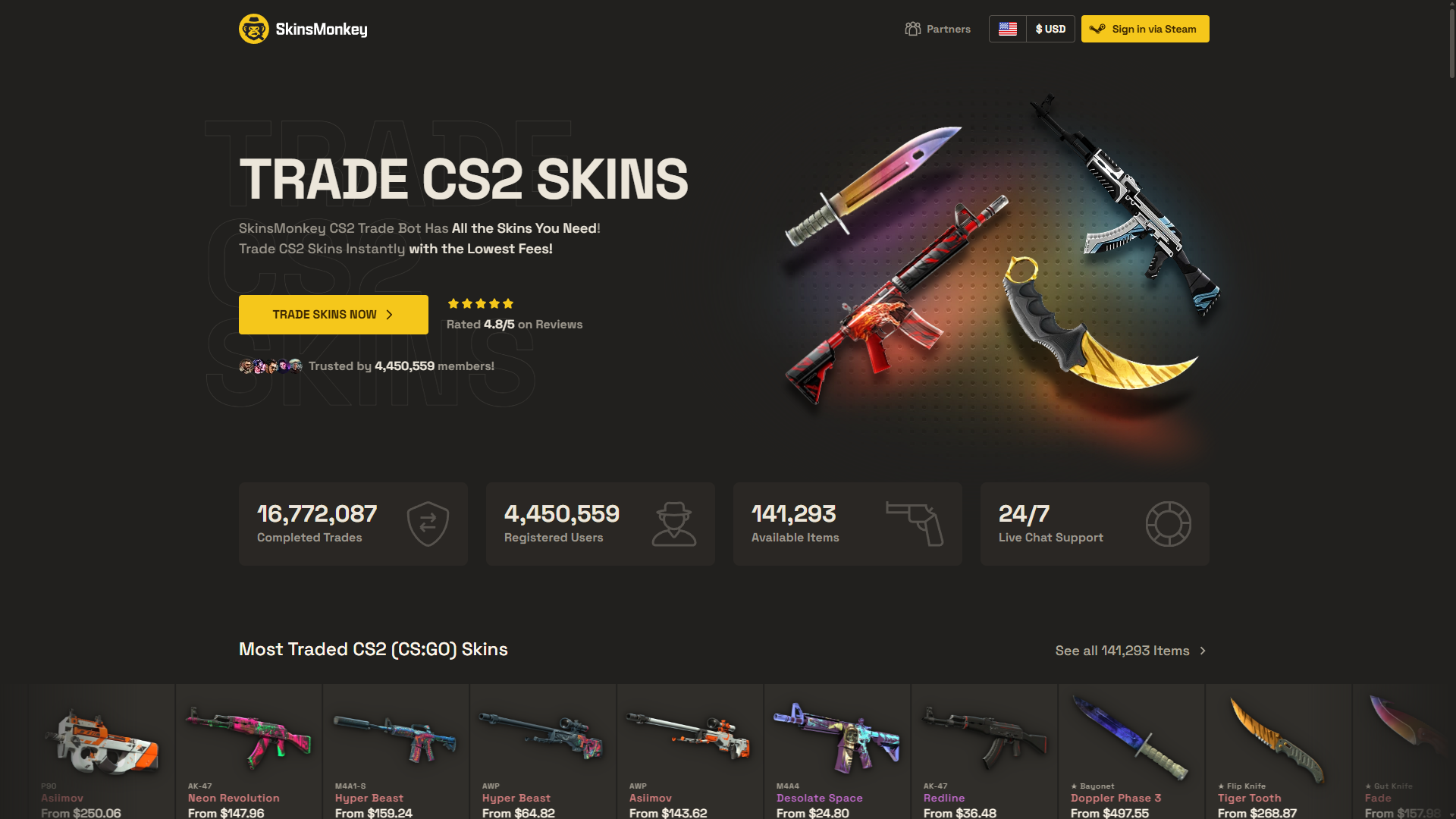
SkinsMonkey homepage with CS2 skin trading hero and most traded skins

Tradeit.GG - Skin Swaps and Trading Bonuses

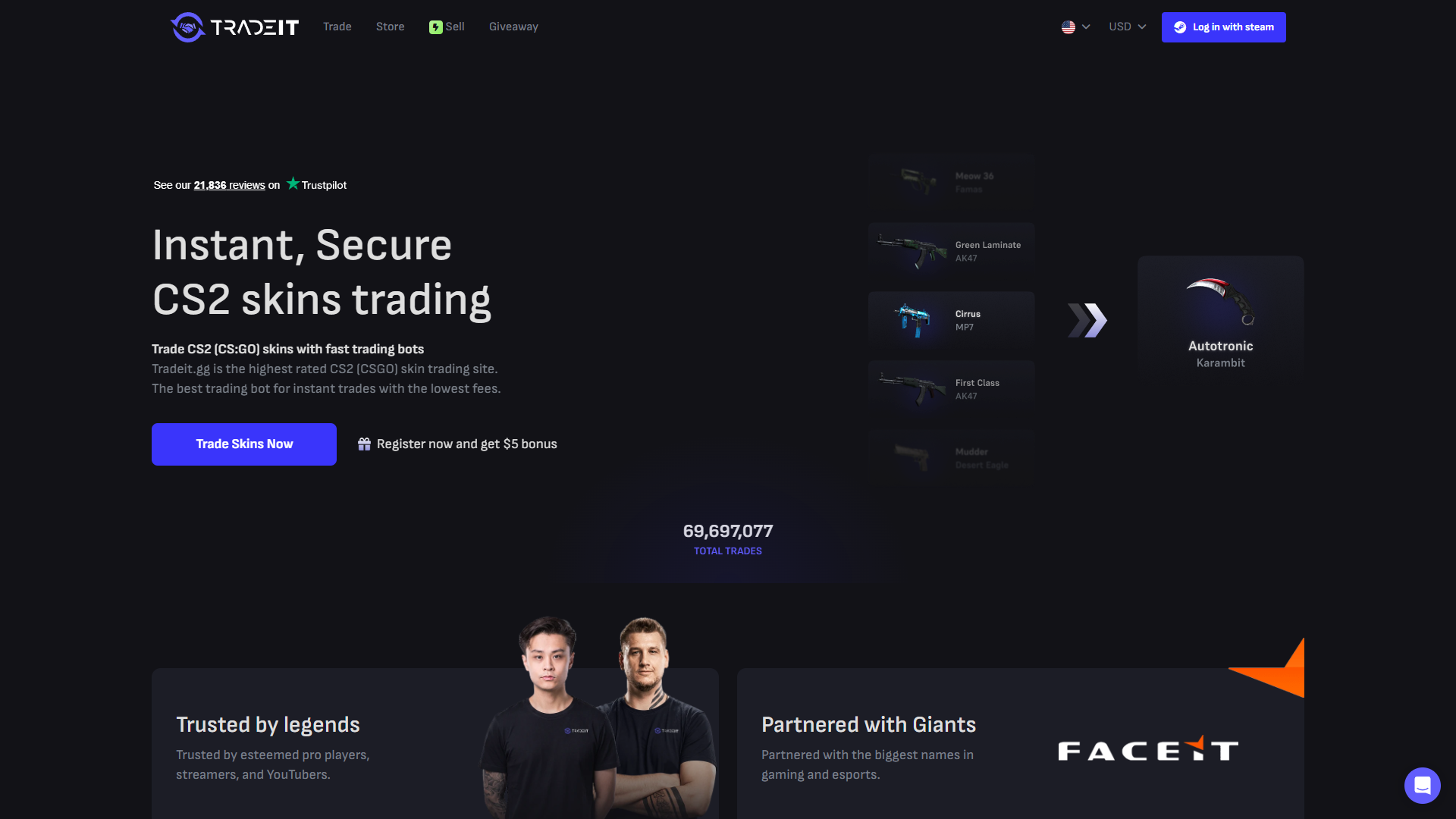
Tradeit.GG offers automated exchanges alongside ways to buy and sell CS2 items. For a swap, choose skins from your Steam inventory, select replacements from Tradeit's stock, and check the resulting trade offer. Trades use the site's inventory, so you don't need a separate buyer.

Its catalog supports swapping several cheaper skins for one more valuable item. Compare the full quote with Steam Market prices.

What you can do:

  • Exchange multiple eligible skins in one trade.
  • Browse available items and compare their values.
  • Add funds if your selected items exceed your trade value.
  • Use supported buying or selling features instead of swapping.

Trading costs may be reflected in item prices. Promo code hellagood provides $5 in account balance and a 35% top-up bonus or a 35% store discount.

$5 free balance + 35% top-up bonus or 35% store discount hellagood
Visit Tradeit.GG
Tradeit.gg homepage showing instant CS2 skin trading and total trades

CS.Money - Skin Trading and Marketplace

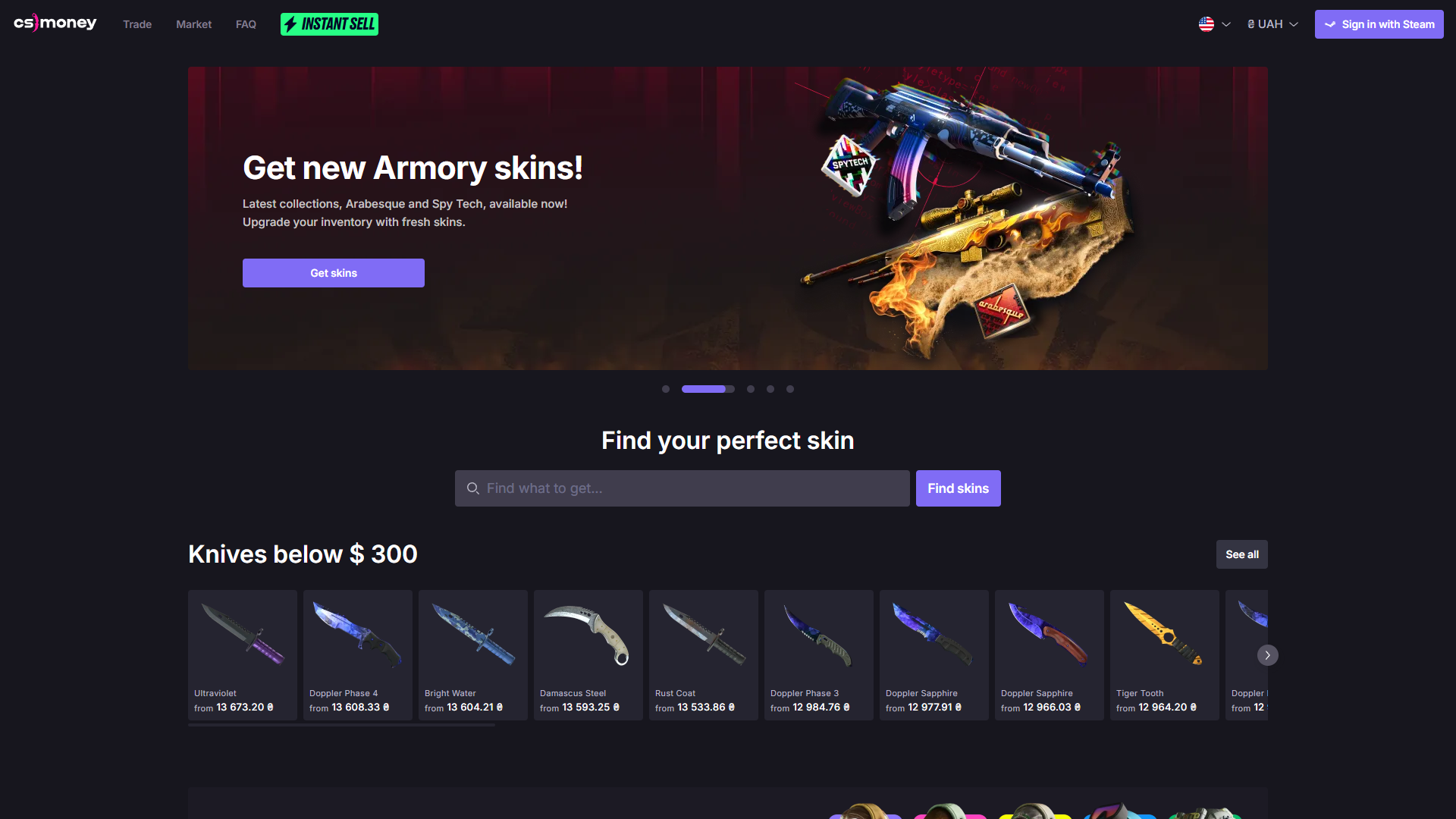
CS.Money separates direct exchanges from marketplace transactions. In Trade mode, you choose skins from your own inventory and swap them for items held by the platform's bots. Market mode is different: users can buy skins, sell eligible items, and access cash-out options where supported.

That matters when you want cash instead of another skin. Trade balance is intended for exchanges, while eligible proceeds from Market sales can be withdrawn after the platform's requirements are met. Availability depends on the user's country and account status.

Main features:

  • Bot-based exchanges in Trade mode.
  • Marketplace listings and buying options in Market mode.
  • Item pricing that considers wear, demand, and other characteristics.
  • Supported withdrawals for eligible marketplace sales.

CS.Money says trading costs are reflected in Trade mode prices. Market mode has separate selling commissions, and cash withdrawals may require identity checks. This offer provides a 30% top-up bonus or a 23% Store discount. Confirm which option is available before completing a purchase.

30% top-up bonus or 23% store discount Referral link
Visit CS.Money
CS.Money homepage with Trade and Market options for CS2 skins

SkinCashier - Selling Skins for Cash

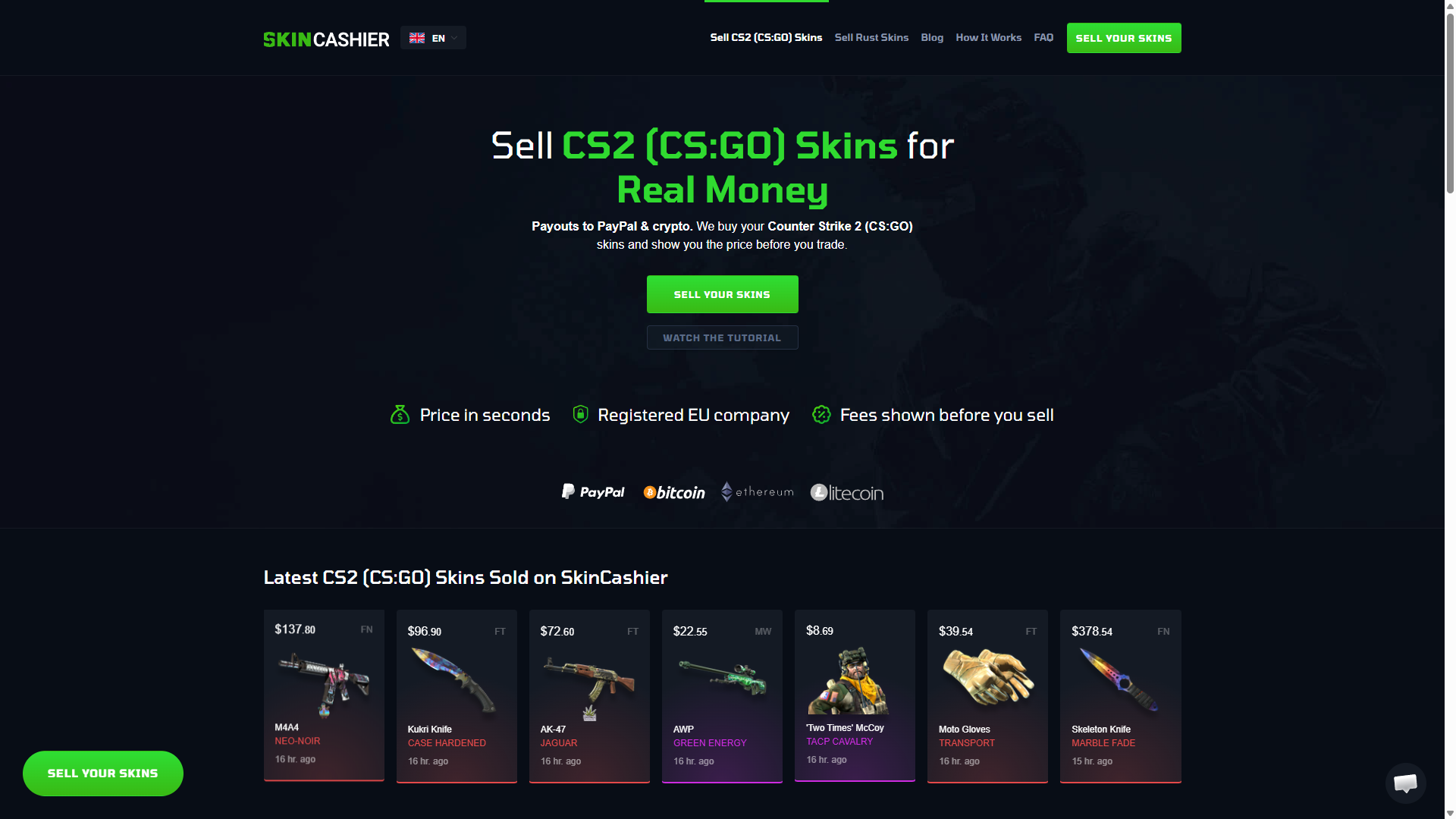
SkinCashier is a selling service, not a place to exchange one skin for another. It makes offers for eligible items in your Steam inventory and buys them directly. You don't have to create a listing or wait for an individual buyer, but you also can't set your own asking price.

After connecting your Steam account and trade URL, you can review which items the service accepts and how much it offers for each. Offers reflect demand and resale potential. Some new, illiquid, or low-value skins may not receive an offer.

Selling details:

  • Direct purchase offers for accepted inventory items.
  • Item-by-item prices displayed before confirmation.
  • Payout options such as PayPal and supported cryptocurrencies.
  • Transaction tracking and payout information in the account.

For CS2 sales, SkinCashier says proceeds are released after Steam's seven-day Trade Protection period. Payout fees vary by method, so review the final amount, not just the quoted skin price. Promo code HELLA offers 3% extra on eligible skin sales.

3% bonus for cashing out skins HELLA
Visit SkinCashier
SkinCashier homepage for selling CS2 skins for PayPal and crypto

DMarket - Buying, Selling, and Trading Skins

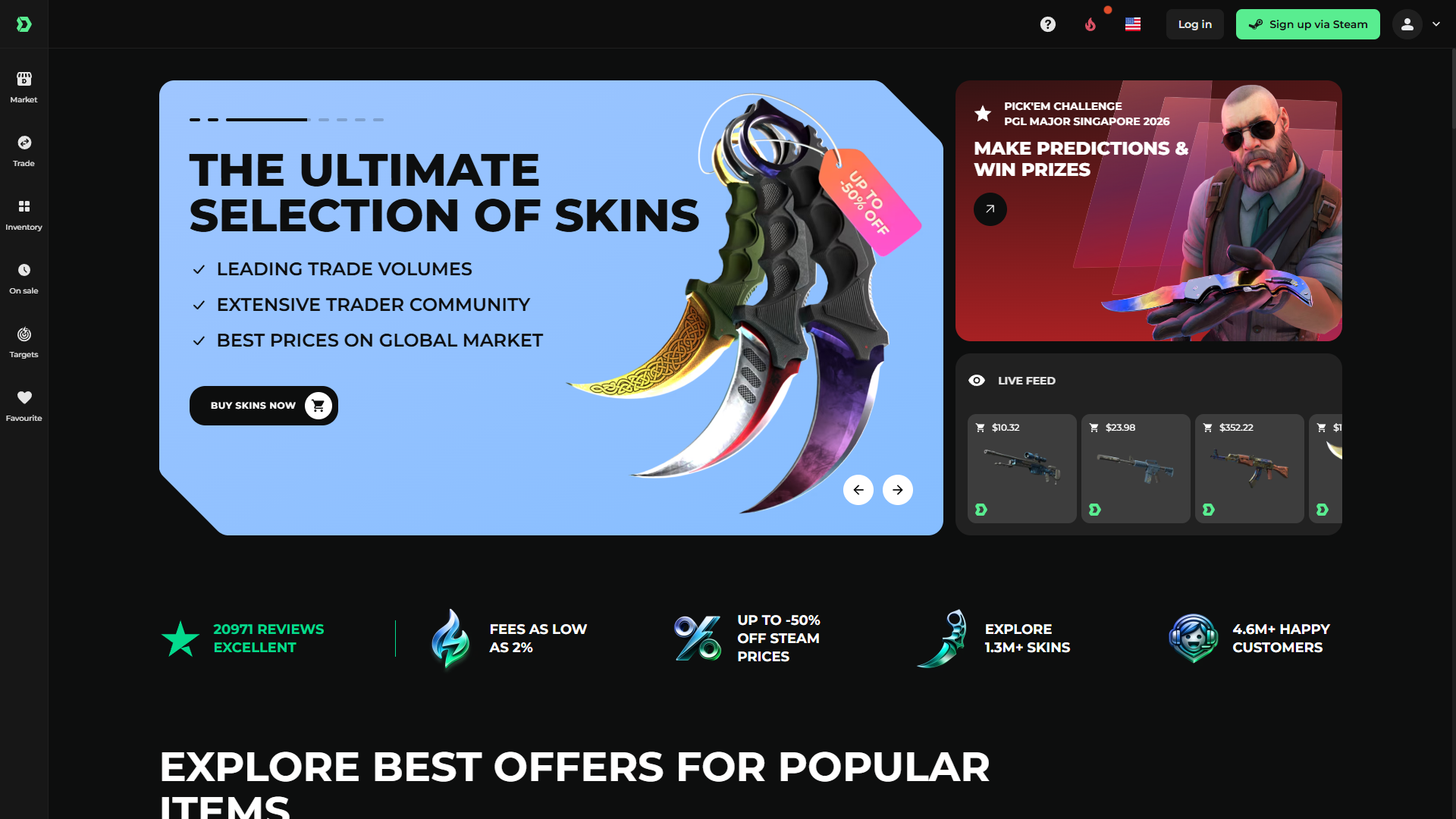
DMarket combines several services in one place. Users can browse marketplace listings, offer their own skins for sale, or exchange eligible items. It suits players who want more choice than a simple bot swap but don't want to manage every transaction through Steam's own Market.

To transfer items, users connect Steam and set a Trade URL. Sales and swaps use trade offers. As with other services, an item still under a Steam restriction may not be available immediately.

Available options:

  • Marketplace listings for buying and selling skins.
  • Trading tools for exchanging eligible inventory items.
  • Filters for comparing item prices and availability.
  • Supported account funding and withdrawal methods.

DMarket's official fee guide lists CS2 selling commissions that generally range from 2% to 10%, depending on liquidity, and a 2.5% trading fee. DMarket's referral offer includes giveaways, free promo codes, and reduced commissions.

Giveaways + free promo codes + reduced commission Referral link
Visit DMarket
DMarket marketplace homepage with CS2 skins and trading options
The Basics

What Are CS2 Skin Trading Sites?

Skin trading platforms let players exchange, buy, or sell Counter-Strike 2 items in several ways. An instant exchange values the skins you own and offers replacements from a bot's inventory. A marketplace lets users buy or list items for sale, often with more control over price. A direct-buy service offers cash for accepted skins without waiting for a buyer.

The term CSGO trading sites is still common, even though Counter-Strike: Global Offensive was replaced by CS2. The important distinction is what the platform actually does. Skin trading is about exchanging or selling items, not placing wagers or playing chance-based games. Some sites offer several services, but their trading functions should be assessed separately.

Step by Step

How to Trade CS2 Skins

The process depends on whether you trade through Steam, use a swap bot, or sell on a marketplace. Always check the items and values first.

Trading Skins Through Steam

Open your Steam inventory, choose Trade Offers, and select the person you want to trade with. Add your items, review anything offered in return, and send the trade offer. Steam may ask you to confirm through Steam Guard. Account restrictions or item trade locks may apply. Newly received CS2 items also have seven days of Trade Protection.

A Steam trade exchanges eligible items. It doesn't transfer money. Selling through the Steam Community Market is a separate process, and sale proceeds go into your Steam Wallet.

Trading on Third-Party Platforms

A CS2 trade site typically asks you to sign in through Steam and provide a Trade URL. Choose the skins you want to exchange, review the site's valuation, and inspect the trade offer in Steam before confirming it. Automated exchanges usually draw from a bot's inventory; marketplaces may involve listings from other users.

Buying and Selling CS2 Skins

A marketplace seller sets or accepts a price and receives platform balance after an eligible sale. An instant-selling service instead presents a direct offer. Depending on the site, you might receive another skin, account credit, or money through a supported payout method. These are not interchangeable, so check the outcome before you approve the trade.

Comparison

Third-Party Trading Platforms vs Steam Market

Steam's Community Market is useful for buying and selling eligible items within Steam, but it doesn't work like a cash-out service. Third-party platforms may provide direct swaps, different prices, and withdrawals to supported payment methods. Options and verification differ by operator. Neither type is always cheaper; compare final values after fees.

Criteria Third-Party Trading Platforms Steam Community Market
Available transactionsSwaps, listings, or direct sales, depending on siteMarket purchases and sales
Skin exchangesAvailable on selected servicesNo direct item-for-item swaps within Market
Buying and sellingMarketplace or direct-buy optionsBuy and sell eligible items
Pricing and feesPlatform-specific quotes and commissionsMarket listing price and applicable fees
Payment methodsVary by operator and countrySteam Wallet for market purchases
Withdrawals and cash-outCash or skins on supported servicesProceeds stay in Steam Wallet; no cash withdrawal
Account requirementsSteam access; sometimes KYCSteam account and applicable market permissions

The Steam Wallet is not a bank account. Money earned from Steam Market sales cannot be withdrawn directly to a card or external wallet.

Costs

Trading Fees and Skin Prices

The price you see for a skin isn't always what you'll get. Fees and trading conditions can affect the final amount.

Instant swaps

The service may build its margin into the values assigned to incoming and outgoing items.

Marketplace sales

A commission can be deducted after your listing sells.

Direct selling

An instant buyer may offer less than an open-market listing because it takes on resale risk.

Deposits and withdrawals

Payment providers, currency conversion, or network charges may reduce the usable balance or payout.

Promotions

A top-up reward or trading credit may increase buying power without being withdrawable as cash.

Wear, float value, patterns, stickers, and demand can affect skin prices. When comparing the best CS2 trade sites, check the same item across platforms and calculate what you'll receive after fees. A discount isn't worth much if the final trade leaves you with less value.

Payments & Trades

Deposits, Withdrawals, and Skin Transactions

Skin trading involves more than choosing items. A sale or exchange may require a public Steam inventory and Trade URL. Steam trade offers are used to move eligible skins, and every offer should be checked inside Steam.

Funding methods vary across CS2 trade sites. Some accept cards or digital wallets, while others support selected cryptocurrencies.

For cash-outs, check which payment methods are available in your country, whether identity verification is required, and what fees or minimum amounts apply. Skin withdrawals may also depend on stock availability and Steam item restrictions.

Steam says CS2 trades are not subject to its older trade-hold system. Instead, Trade Protection allows eligible trades to be reversed for seven days and prevents newly received skins from being transferred again during that period. Selling services may delay cash payouts until protection ends. An instant-swap label doesn't guarantee immediate access to every item or payout.

Methodology

How We Evaluate Trading Platforms

The best sites to trade CS2 skins depend on whether you want a quick swap, a marketplace sale, or cash.

The main comparison points are:

Trading methods

Direct swaps, marketplace listings, and instant selling serve different needs.

Inventory

Item variety and availability determine whether a desired trade is possible.

Fees

Compare commissions, built-in margins, and any extra payment charges.

Valuation

Check the offered price against similar skins with the same condition and features.

Deposits and withdrawals

Look for usable methods, limits, and verification steps.

Steam integration

Confirm how trade offers are created and approved.

Bonuses

Check eligibility and whether rewards are spendable or withdrawable.

Support and regions

Make sure the service accepts your country and provides help when needed.

The best CS2 trading site for one player may lack the payment method or skins another needs.

Risk Awareness

Is CS2 Skin Trading Safe?

Third-party trading carries account and financial risks. A familiar name or polished website doesn't prove an offer is genuine. Check the site, recipient, and items before confirming.

Common Skin Trading Scams

Fake websites may copy legitimate trading platforms and redirect users to fake Steam login pages. Scammers also impersonate trading bots or replace a genuine offer with one sent from a different account. Misleading valuations can also hide a lower resale price.

Be cautious of anyone asking for Steam credentials, a one-sided trade, or a separate payment to release an item. A trade offer cannot contain PayPal money or Steam Wallet credit as part of the exchange.

How to Protect Your Steam Account and Skins

Check the website address and use Steam's genuine login page. Enable Steam Guard and reject unexpected login requests. When a trade offer arrives, check the receiving account and every item in Steam itself, including condition and special features.

Avoid unsolicited links and lookalike bot profiles. Review the quoted values, fees, cash-out rules, and any item restrictions first. Steam publishes its own trading guidance and restriction rules; using an outside platform does not automatically mean a Steam ban, but account violations and scams can still lead to lost items or restrictions.

FAQ

Frequently Asked Questions

SkinsMonkey and Tradeit.GG focus on swaps; SkinCashier sells for cash; CS.Money and DMarket offer marketplaces.

Yes. Some of the best CSGO trading sites still use the older name but now support CS2 inventories. Check their current restrictions.

They connect Steam inventories to swap bots, marketplaces, or buyers, with trades confirmed through Steam.

Yes, through supported cash-buying services or marketplaces. Swaps and Steam Wallet credit are not cash payouts.

Check the website, Steam trade offer, fees, and withdrawal rules before sending items.

Trading alone doesn't mean a ban. Steam may restrict accounts for rule violations or security issues.

Fees depend on the item and transaction. Compare final exchange quotes or selling payouts.

Yes. Offers include trading credit, top-up bonuses, or discounts, with different eligibility rules.

Bot offers can arrive quickly, but Steam restrictions and cash-release rules may cause delays.

You can browse some listings without Steam, but transferring CS2 skins generally requires a Steam account.

Top 5 TOP 8 CODES